
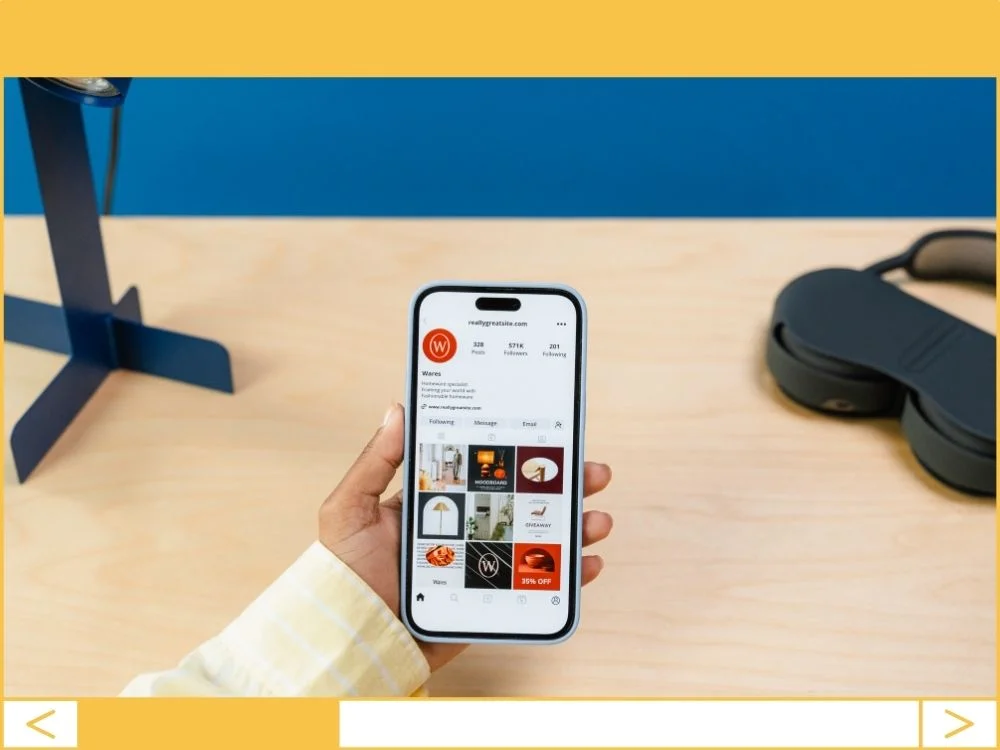
Your website shouldn’t feel like a static brochure from 2012.
If you aren’t pulling your social media content directly onto your WordPress site, you’re missing out on the easiest way to keep your site “fresh” without lifting a finger. It turns a silent page into a buzzing hub of activity.
Static sites die; dynamic sites convert.
The Business Logic of Social Integration
Most business owners think social feeds are just “eye candy.” They’re wrong. This is about conversion.
- Instant Social Proof: Seeing a real-time feed of happy customers or active discussions builds immediate trust. Business Benefit: Higher conversion rates because prospects see you’re a living, breathing entity.
- Automatic Content Updates: Every time you post to Instagram, your website updates itself. Business Benefit: Massive time savings for your marketing team and a boost in “freshness” signals for Google.
- Reduced Bounce Rates: Interactive feeds keep people scrolling on your domain rather than hopping back to a search engine. Business Benefit: Improved SEO rankings through increased “dwell time.”
Pick Your Battles: Which Platforms Actually Matter?
Don’t clutter your footer with every icon known to man. Be picky.
- Instagram: Non-negotiable for lifestyle, food, or product brands. If your business is visual, this is your secondary portfolio.
- LinkedIn: The only play for B2B. Showcasing your latest professional insights here positions you as the undisputed authority in your niche.
- X (Twitter): Only use this if you’re in news, tech, or high-frequency customer service. An empty feed is worse than no feed at all.
The Tools: Don’t Settle for Bloated Plugins
I’ve seen too many sites crawl to a halt because of “all-in-one” social widgets. Stick to the pros.
- Smash Balloon: This is the industry standard. It’s modular, meaning if you only want Instagram, you only install the Instagram piece. It doesn’t bog down your database with junk you don’t need.
- EmbedPress: A solid “Swiss Army Knife” if you’re embedding more than just social—think PDF previews, Google Maps, and Spotify. It’s fast and stays out of the way.
Why Most Social Feeds Fail (and How to Fix Them)
Most people “set it and forget it” until their site takes 10 seconds to load. Don’t be that person.
- The Speed Trap: External feeds call for data from other servers. This kills your PageSpeed score. The Fix: Use a plugin with “local image saving” or aggressive caching so your site isn’t waiting on Mark Zuckerberg’s servers to load a photo.
- Mobile Chaos: What looks like a nice 4-column grid on your desktop looks like a mess on an iPhone. The Fix: Force your feeds into a “Carousel” or a single-column stack for mobile users.
- Design Friction: If your site is minimal and your social feed is a neon explosion, it looks cheap. The Fix: Match your feed’s button colors and fonts to your existing WordPress theme. Consistency is professional.
The Verdict: Less is More
I’ve audited hundreds of sites, and the biggest mistake is “Social Overload.” One well-placed, beautifully styled Instagram gallery on your ‘About’ page is worth ten messy sidebars.
Focus on quality. Your website should be the destination, and social media should be the proof that the destination is worth visiting.
Founder’s Action Item
Audit your current site speed. Use Google PageSpeed Insights. If your social icons or feeds are causing “Long Main-Thread Tasks,” switch to Smash Balloon and enable their background caching feature immediately.