
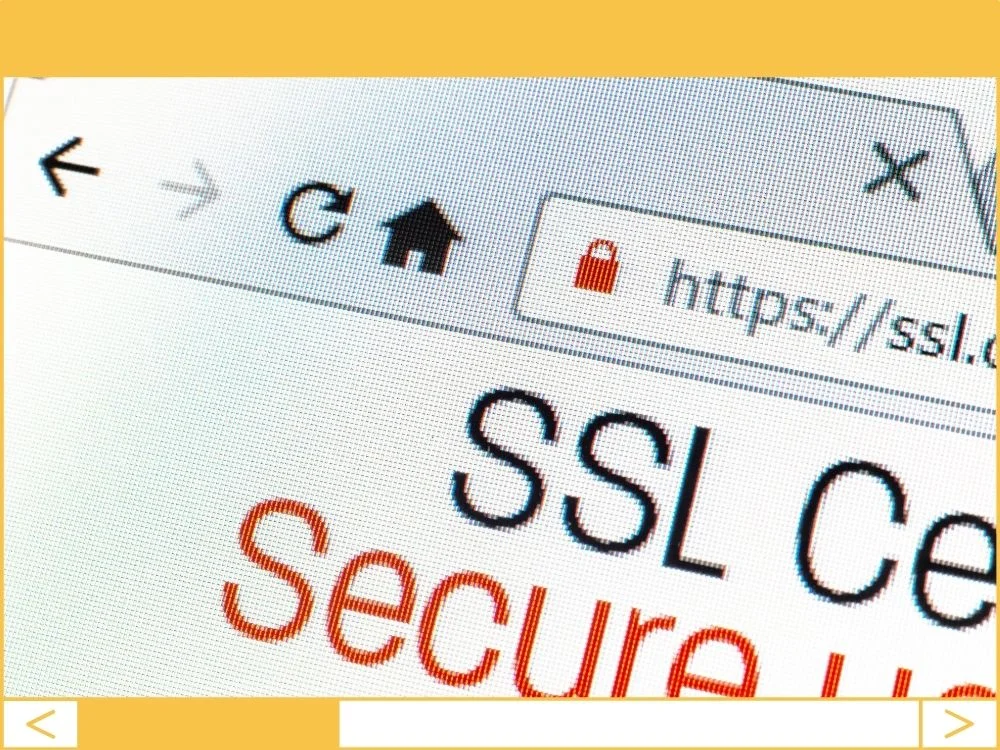
Most business owners think an SSL certificate is just a technical “checkbox.” It’s not. It is the difference between a customer clicking “Buy Now” and a customer clicking the “Back” button because Google just told them your site is dangerous.
If your URL still says http instead of https, you’re effectively leaving your digital front door unlocked in a bad neighborhood. It’s time to stop treating security as an afterthought and start treating it as a sales tool.
Security is a Sales Strategy, Not Just a Tech Perk
You wouldn’t shop at a physical store if the windows were smashed and the staff looked like they were stealing wallets. That’s exactly what a “Not Secure” warning in Chrome feels like to your visitors.
- Encryption for Real People: SSL scrambles the data between your visitor’s phone and your server.
- Business Benefit: You eliminate “frictional anxiety.” When people feel safe, they spend more time on your site and more money on your services.
Google Hates Insecure Sites (And Your SEO Shows It)
Back in 2014, Google decided that security was a ranking factor. Fast forward to today, and if you don’t have an SSL, you’re essentially fighting with one arm tied behind your back.
- The SEO Boost: Search engines prioritize secure sites over their “unlocked” competitors.
- Business Benefit: Higher rankings mean more organic traffic. If you’re paying for SEO but haven’t fixed your SSL, you’re flushing your marketing budget down the toilet.
The “Not Secure” Death Sentence
Modern browsers like Chrome and Firefox are aggressive. They don’t just quietly note that you lack a certificate; they throw up a giant red warning that looks like a crime scene.
- Trust Signals: That little padlock icon in the address bar is the most recognized symbol of trust on the internet.
- Business Benefit: You protect your brand’s reputation. Rebuilding trust after a visitor sees a “Malicious Site” warning is nearly impossible and incredibly expensive.
Stop Falling for These SSL Myths
I hear these excuses all the time from business owners who are hesitant to make the switch. Let’s set the record straight:
- “I don’t sell anything, so I don’t need it.” Wrong. If you have a contact form, you’re collecting data. If that data is intercepted, you’re liable.
- “It’s going to slow down my site.” This is outdated thinking. With modern servers, the speed difference is invisible to the human eye.
- “SSL is too expensive.” I’ll let you in on a secret: You shouldn’t be paying for basic SSL. Most reputable hosts offer “Let’s Encrypt” for free. If your host is charging you $100/year for a basic certificate, they’re overcharging you.
How to Get It Done (The Right Way)
Don’t let a developer overcomplicate this for you. Here is the streamlined path to a secure site:
- Step 1: The Host Check. Log into your hosting panel (cPanel, SiteGround, etc.) and look for “Let’s Encrypt.” Click “Install.” It takes two minutes.
- Step 2: Update Your Identity. Go to your WordPress Dashboard > Settings > General. Change your URL from http:// to https://.
- Step 3: Force the Move. Use a plugin like Really Simple SSL. It’s the only “set it and forget it” tool I recommend for this. It handles the technical redirects so you don’t have to touch a single line of code.
Founder’s Action Item
Check your site right now. Open your website in an Incognito/Private window. If you see a “Not Secure” warning or a grey “i” icon instead of a padlock, call your web person today—or better yet, log into your hosting and click the “Install SSL” button yourself. Every hour you wait is a potential lead lost to a competitor who looks more professional than you.